Digital Album Book for Wedding Photographers & Photo Studios
Bridge the Gap Between Digital & Print — Impress Clients, Drive Referrals, Simplify Proofing

















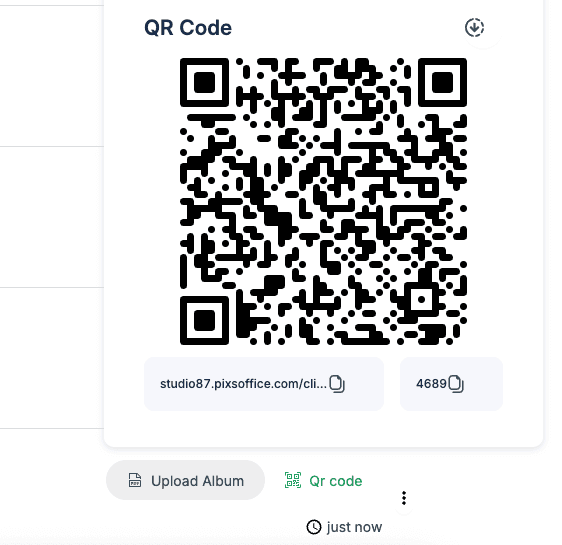
Embed a unique QR code directly into your printed album. Clients and their guests can simply scan it to view the Digital Album Book online — perfect for sharing the full album experience on mobile devices.
Customize Digital Album Books with Your Own Branding
Deliver the Digital Album Book under your own brand. Add your logo, brand colors, and personalized messages to create a professional, cohesive experience that reinforces your photography studio's identity.
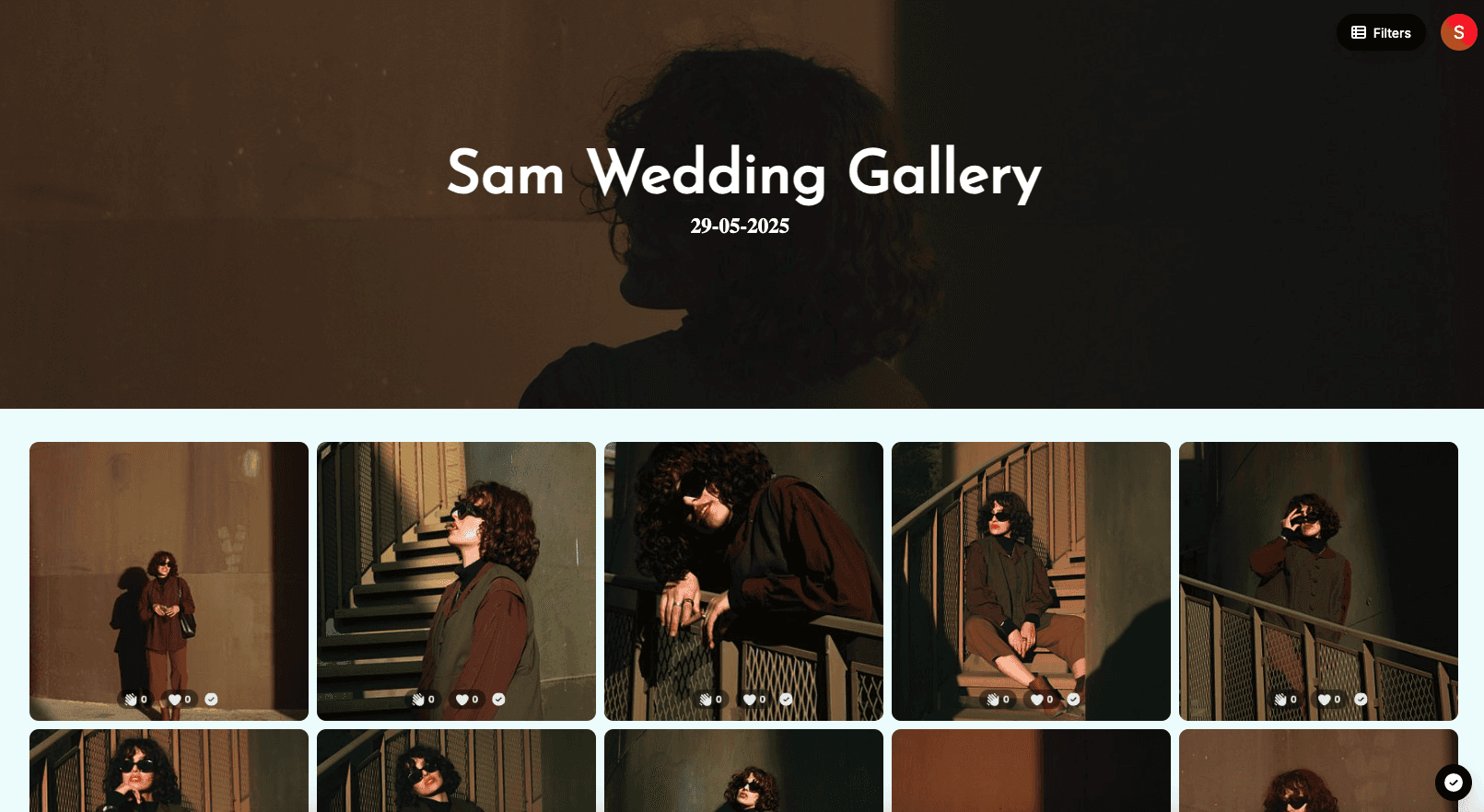
Use the Digital Album Book as part of your proofing workflow — collect client feedback and final approvals before printing physical albums, reducing revision cycles and costly reprints.

Why Professional Photographers & Studios Use PixsOffice Digital Album Book
Offer clients a premium, modern experience
Drive referrals through easy album sharing
Streamline proofing & reduce costly reprints
Extend your studio brand to the digital space
Blend online and print seamlessly
Core Features
Fully Secure
Built with end-to-end encryption, HTTPS, and secure infrastructure to keep your galleries and client data 100% protected—always.
Sheet Protection
Prevent unauthorized access with secure, expiring, or signed image links. Protect your work from hotlinking, theft, or unapproved downloads.
Two Factor Auth
Add an extra layer of security with 2FA. Ensure only verified users can access your dashboard, galleries, and sensitive content.
Users & Collaboration
Invite team members, assign roles, and collaborate on galleries with access controls and activity tracking—all in one secure workspace.
Notifications
Never miss an update with real-time notifications for every important action. Get alerts when clients favorite photos, leave comments, approve selections, or request changes—so you’re always in the loop.
24/7 Chat Support
Get help whenever you need it. Our dedicated support team is available around the clock to assist with setup, issues, and questions.